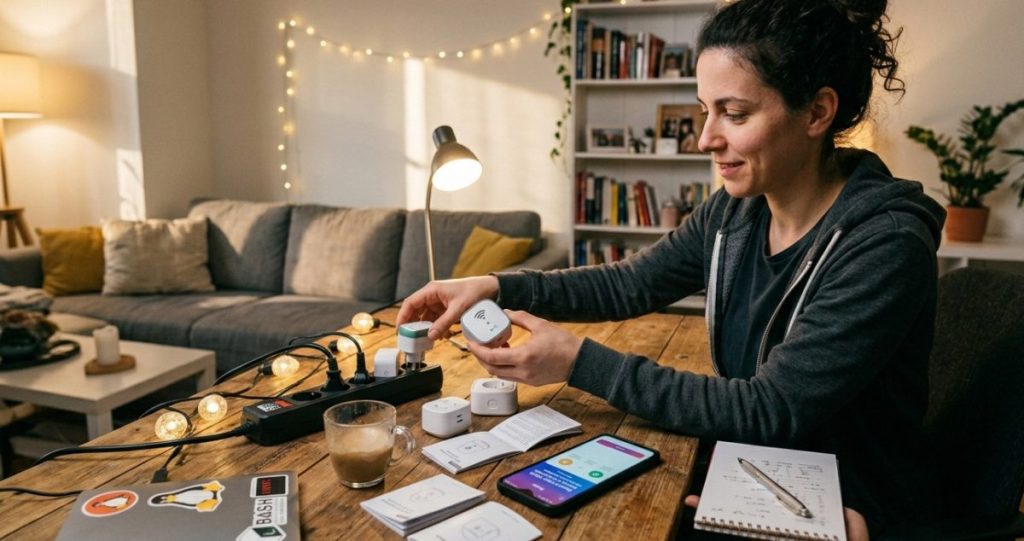

Quick Overview of Smart Plug Setup
- Smart plugs are the easiest way to start a smart home
- Setup takes less than 10 minutes
- They help reduce energy waste and automate devices
- No technical experience is required
If you’re looking for the simplest way to start building a smart home, a smart plug is the perfect entry point.
You don’t need to rewire anything. You don’t need special tools. And you don’t need technical knowledge.
With a single smart plug, you can:
- control devices from your phone
- automate everyday tasks
- reduce unnecessary energy usage
In this guide, you’ll learn exactly how to set up a smart plug step by step, how to use it effectively, and how to get real value from it — not just convenience.
What Is a Smart Plug and How Does It Work?
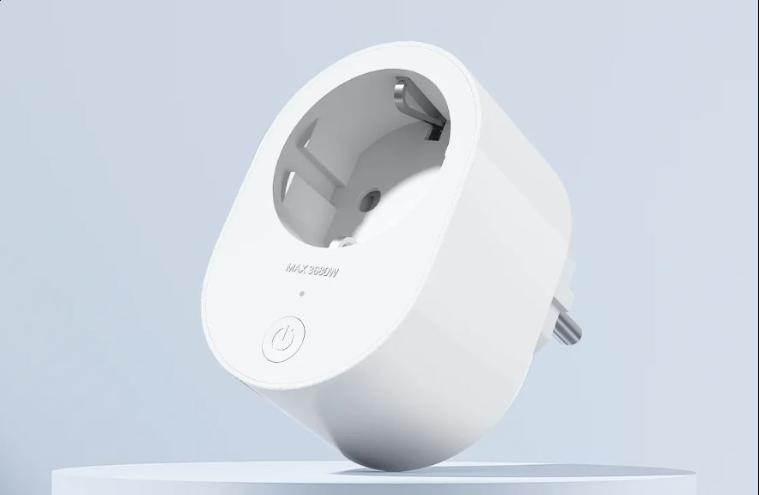
A smart plug is a small device that sits between your wall outlet and your appliance.
It connects to your Wi-Fi network and allows you to:
- turn devices on or off remotely
- schedule operation times
- monitor energy usage (on supported models)
Simple Example
Instead of manually turning off a lamp, you can:
- switch it off from your phone
- set it to turn off automatically at night
- control it even when you’re not at home
It essentially turns any “dumb” device into a smart one.
What You Need Before Setup
Before you begin, make sure you have:
✔ A Smart Plug
Choose one that supports:
- Wi-Fi connectivity
- a reliable mobile app
- energy monitoring (optional but recommended)
✔ A Stable Wi-Fi Connection
Most smart plugs require:
- 2.4 GHz Wi-Fi (very important)
Many beginners run into issues because their router is set to 5 GHz only.
✔ A Smartphone
You’ll need:
- Android or iOS
- the manufacturer’s app
✔ A Device to Control
Examples:
- lamps
- coffee machines
- fans
- TVs
Step-by-Step Smart Plug Setup
Let’s walk through the full setup process.
Step 1: Plug It In
Insert the smart plug into a wall socket.
You’ll usually see:
- a blinking LED (indicates pairing mode)
Step 2: Download the App
Install the app recommended by your device manufacturer.
Create an account if required.
Step 3: Connect to Wi-Fi
Inside the app:
- tap “Add Device”
- select “Smart Plug”
- connect to your Wi-Fi network
Make sure:
- you are connected to a 2.4 GHz network
Step 4: Pair the Device
The app will:
- detect the plug
- connect automatically
This usually takes 30–60 seconds.
Step 5: Name Your Device
Give it a clear name like:
- “Living Room Lamp”
- “Coffee Machine”
This makes automation easier later.
Step 6: Test It
Use the app to:
- turn the device on/off
If it works, setup is complete.
How to Use Smart Plugs Effectively
Most people stop at basic on/off control — but that’s only 20% of the value.
Here’s how to unlock the full potential.
1. Create Schedules
Set devices to run automatically.
Examples:
- lights off at midnight
- coffee machine on at 7 AM
2. Use Timers
Turn devices off after a set time.
Example:
- heater turns off after 1 hour
3. Monitor Energy Usage
If your plug supports it, track:
- daily consumption
- high-energy devices
👉 This is where real savings begin.
4. Remote Control
Forgot to turn something off?
Just open the app and switch it off from anywhere.
Best Use Cases (Real-Life Examples)
Smart Lighting
Automate lamps:
- turn on at sunset
- turn off when you leave
Coffee Machines
Wake up to fresh coffee without manual effort.
TV and Entertainment Systems
Reduce standby power usage.
Chargers and Small Appliances
Prevent unnecessary energy drain.
How Smart Plugs Save Money
This is where things get interesting.
Smart plugs help you:
Reduce Standby Power
Many devices consume electricity even when “off.”
Smart plugs can:
- completely cut power
Avoid Human Error
We forget things:
- lights
- heaters
- appliances
Automation fixes that.
Identify Energy Hogs
With monitoring, you can:
- spot inefficient devices
- change usage habits
Common Mistakes to Avoid
❌ Using the Wrong Wi-Fi Band
Most smart plugs do NOT support 5 GHz.
👉 Always use 2.4 GHz.
❌ Not Using Automation
Manual control defeats the purpose.
❌ Overloading the Plug
Check power limits before connecting:
- heaters
- large appliances
❌ Poor Device Naming
“Plug 1” is useless.
Use clear names instead.
Smart Plug vs Smart Power Strip
You might be wondering which one to choose.
Smart Plug:
- controls one device
- simple and affordable
Smart Power Strip:
- controls multiple devices
- better for desks and entertainment setups
👉 Start with a plug, upgrade later if needed.
Advanced Automation Ideas
Once you’re comfortable, try:
Morning Routine
- coffee machine ON
- lights ON
Night Routine
- everything OFF automatically
Away Mode
- turn devices off when you leave
- simulate presence with lights
FAQ
Are smart plugs safe?
Yes, if used within their power limits and purchased from reliable brands.
Do smart plugs use a lot of electricity?
No — they use minimal power, much less than the savings they enable.
Can I use a smart plug with any device?
Most small appliances work fine, but avoid high-power devices unless supported.
Do I need a hub?
Most modern smart plugs connect directly to Wi-Fi and do not require a hub.
What is the best first automation to try?
Scheduling lights or turning off devices at night is a great starting point.
Turning Simple Devices Into Smart Solutions
Smart plugs are one of the easiest and most effective ways to start building a smarter home.
They don’t just add convenience — they help you take control of how your devices use energy. And once you start using automation and monitoring, the benefits quickly become noticeable.
If you’re just getting started with smart home technology, this is the simplest place to begin — and one of the few upgrades that delivers both comfort and real savings.
The Smart Home Setup Starter Guide for Beginners
- Matter 1.4 vs Zigbee vs Z-Wave: Best Smart Home Protocol for US Homes in 2026
 By KontraNet IoT Hub | Last Updated: June 3, 2026 | Reading time: 11 min Quick Pick for US Homeowners in 2026 Use this table if you just need the answer fast: Your Situation Best Protocol in 2026 Why It Wins for US Homes Apple + Google + Alexa household Matter 1.4 over Thread All 3 ecosystems control the…
 - Best Cellular IoT Data Plans for US Makers in 2026: Hologram vs Twilio vs Soracom TestedBy KontraNet IoT Hub | Last Updated: June 1, 2026 | Reading time: 9 min Quick Pick for US Makers in 2026 Use this table if you just need the answer fast: Your Project Type Best IoT SIM in 2026 Why It Wins for US Makers 1-10 devices, prototyping Hologram IoT SIM Free 1MB/month per device forever. Pay-as-you-go after.…
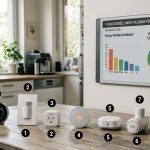
- Smart Home Energy Saving: How to Cut Your Electricity Bill in 2026Smart home energy saving is one of the most effective ways to cut your electricity costs in 2026 — and the results are measurable. The average American household spends between $1,500 and $2,000 on electricity every year. Most of that money goes to heating, cooling, and appliances running longer than they need to — and…
- Smart Locks & Keyless Entry: The Complete Beginner’s Guide for 2026Keys are one of those things we’ve lived with for so long that we forget how inconvenient they actually are. You lose them. You forget them. You make copies for the plumber and never get them back. You lie awake wondering if you actually locked the front door when you left for vacation. Smart locks…
- Best Linux Distros for IoT in 2026: Pi 5, RISC-V, and Edge AI TestedLinux powers 80% of Internet of Things devices shipped in the US, from your Home Assistant hub to industrial sensors at Ford plants. With Raspberry Pi 5, cheap RISC-V boards, and Matter 1.4 changing the game in 2026, picking the right distro matters more than ever. We tested five of the best Linux distros for…