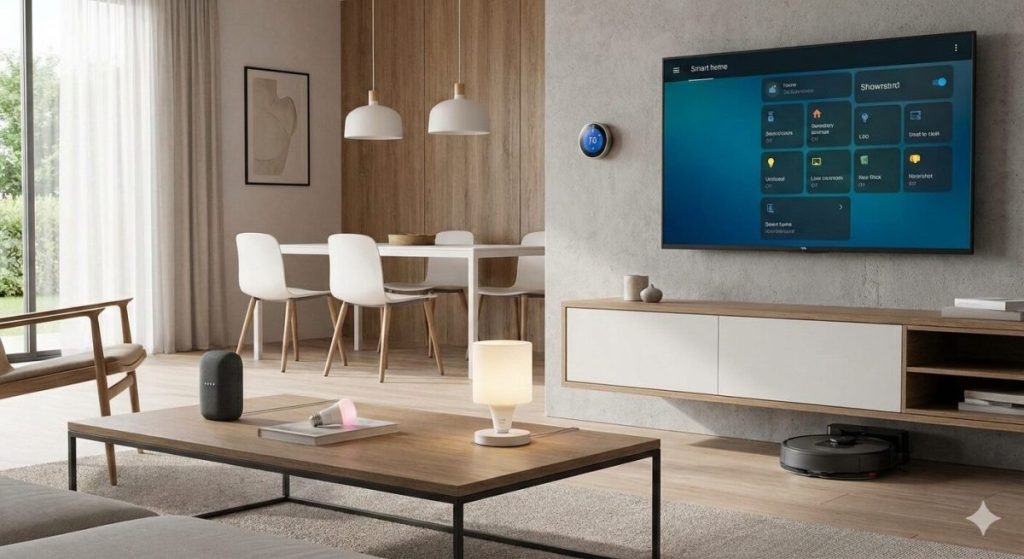

Smart home devices are no longer sci‑fi toys for tech geeks – they are affordable, easy to install, and can genuinely make everyday life more convenient, efficient, and secure. This guide walks you through the essentials of getting started with IoT and building a smart home in 2026 without getting overwhelmed by buzzwords and acronyms.
What Is IoT and a Smart Home, Really?
At its core, the Internet of Things (IoT) means everyday devices that are connected to the internet or your local network and can collect data, be controlled remotely, or automate actions. A smart home is simply a home that uses these connected devices – lights, sensors, thermostats, plugs, cameras, locks – to add comfort, security, and energy efficiency.
Typical smart home devices include:
- Smart bulbs and switches for lighting automation.
- Smart plugs to control “dumb” devices like lamps or coffee machines.
- Sensors (motion, contact, temperature, humidity) to trigger automations.
- Smart locks, doorbells, and security cameras for access control and monitoring.
- Smart thermostats and radiator valves for better climate control and energy savings.
The Most Important Smart Home Protocols (Wi‑Fi, Zigbee, Z‑Wave, Matter)
Not all smart devices talk to your network the same way. Understanding the main protocols helps you choose devices that work well together over the long term.
- Wi‑Fi – Connects directly to your router; great for cameras and plugs, but too many Wi‑Fi devices can congest your network and impact reliability.
- Zigbee – Low‑power mesh protocol; devices pass messages to each other via a hub, which improves range and stability for sensors and bulbs.
- Z‑Wave – Similar idea to Zigbee, but uses a different frequency and is often found in higher‑end smart home gear like locks and switches.
- Matter – A new standard designed to make devices from different brands work together more reliably, using existing technologies like Wi‑Fi and Thread.
For beginners, a practical strategy is:
- Use Wi‑Fi for a small number of “heavy” devices (cameras, a few plugs).
- Use Zigbee or Matter‑compatible hubs for lots of sensors and lights to avoid flooding your Wi‑Fi.
Choosing Your Smart Home Hub (Or Going Hub‑less)
A smart home hub is the central brain that connects your devices and runs automations. Some ecosystems are “hub‑less”, using only cloud apps, while others rely on a physical box in your home.
Common options include:
- Vendor ecosystems (e.g. Amazon Alexa, Google Home, Apple Home) – easy setup, but more cloud‑dependent.
- Dedicated smart home hubs (e.g. Matter‑ready hubs, Zigbee/Z‑Wave bridges) – better local control, often more reliable for automations.
- Open‑source platforms like Home Assistant – very flexible and powerful, ideal for advanced users who want everything in one place.
As a beginner, you can start with:
- One main ecosystem app (Alexa/Google/Apple) to control basic devices.
- A hub or bridge only when you add more Zigbee/Z‑Wave or advanced automations later.
Planning Your First Smart Home Setup (Room by Room)
Instead of buying random gadgets on sale, plan your smart home room by room with specific goals.
Living room
- Smart bulbs or smart switches to create scenes (movie night, reading mode).
- A couple of smart plugs for lamps, TV, or game consoles you want to cut from power when not in use.
Bedroom
- Smart dimmable lights with soft wake‑up routines instead of loud alarms.
- A smart thermostat or radiator valve to keep temperature comfortable at night.
Kitchen
- Smart plugs for coffee machines, water kettles, or slow cookers with schedules and safety cut‑offs.
- Leak sensors under sinks or near the dishwasher to warn about water leaks early.
Entrance / hallway
- Motion‑activated lights that turn on when you come home.
- Smart lock or smart doorbell for secure, logged access and video at the door.
Start with 2–3 simple automations that solve real annoyances – like “lights turn on when I enter” or “everything turns off when I leave home” – and then gradually add more.
Smart Home Security Basics (Don’t Skip This Part)
Every new device you connect is another potential door for attackers, so security needs to be part of your plan from day one.
Essential smart home security practices:
- Change default passwords on every device and use unique, strong passwords (ideally with a password manager).
- Keep your router and device firmware up to date to patch known vulnerabilities.
- Use a guest Wi‑Fi network for IoT devices if your router supports it, so they are separated from your main devices like laptops and phones.
- Enable two‑factor authentication (2FA) on all cloud accounts and smart home apps that offer it.
If your router supports VLANs or separate SSIDs, consider isolating cameras and critical devices further, especially if you use many low‑cost off‑brand gadgets.
Local vs Cloud: Where Does Your Smart Home Logic Live?
Most beginner‑friendly devices rely heavily on the cloud: your phone talks to a server, and that server tells your devices what to do. This is convenient but introduces latency, dependency on the vendor, and privacy concerns.
Local‑first setups:
- Run automations directly on a hub or controller in your home.
- Continue to work even if your internet connection is down, as long as your local network is up.
Cloud‑heavy setups:
- Easier onboarding, especially with big brands.
- May stop working if the vendor kills the product line or changes their business model.
A hybrid approach is practical for most beginners: keep critical automations local (lights, locks, alarms), and accept cloud dependence for less critical functions (voice assistants, remote notifications).
Common Smart Home Mistakes (and How to Avoid Them)
Starting out, many people make the same painful mistakes, wasting money and time.
Typical pitfalls:
- Buying random devices without checking compatibility with your ecosystem or hub.
- Over‑complicating automations on day one, leading to unreliable behavior and frustration.
- Ignoring network quality – weak Wi‑Fi or a cheap router can ruin the entire experience.
- Skipping security basics, leaving default passwords or outdated firmware in place.
To avoid this:
- Pick one main ecosystem and stick to it for your first 5–10 devices.
- Prioritize reliability over flashy features – stable lights and sensors are more valuable than gimmicks.
- Review your rules and routines every few months to remove what you no longer use.
How AI Fits Into Your Smart Home
In 2025, AI is not just a buzzword – it is increasingly used inside smart home platforms to make automations more adaptive.
Examples of AI in smart homes:
- Learning your routines to suggest or automatically adjust schedules (heating, lighting).
- Recognizing activity patterns (for example, distinguishing between a pet and a person in camera footage).
- Analysing energy usage to highlight wasteful devices or behaviors.
AI‑driven features are powerful, but they also mean more data collection, so always check what is processed locally and what is sent to the cloud.
A Simple Starter Plan You Can Follow
To turn this IoT for Beginners guide into action, you can follow a simple 4‑step plan:
- Define your goals – better security, convenience, lower energy bill, or all three.
- Choose your main ecosystem and protocol mix – for example: Google Home plus a Zigbee/Matter hub for sensors and lights.
- Start with 3–5 key devices – a smart lock or doorbell, a couple of lights, a few smart plugs, and at least one motion or contact sensor.
- Build 2–3 core automations – lights on when you arrive, all‑off scene when you leave, night routine that locks doors and arms cameras.
Once this is in place and works reliably, you will have a stable foundation to expand into more advanced scenarios, like detailed energy monitoring, presence detection, or DIY dashboards with open‑source tools.
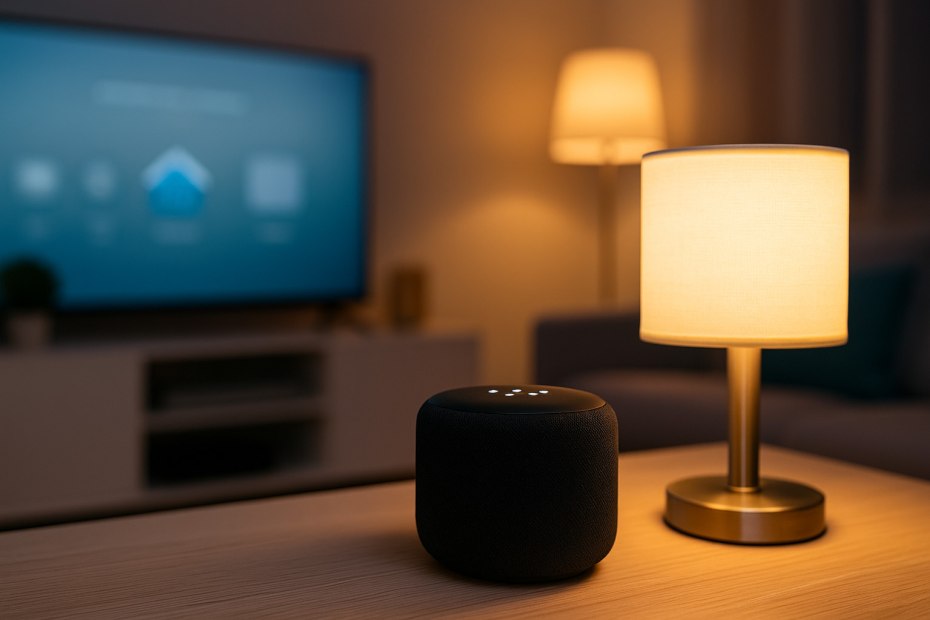
The Smart Home Setup Starter Guide for Beginners
IoT for Beginners – Smart Home Starter Guide
- IoT Sensors Explained: What They Are, How They Work, and Where They’re Already in Your Home
 IoT sensors explained simply: every smart device you own — your thermostat, your fitness tracker, your doorbell camera, your robot vacuum — relies on at least one sensor to do its job. Sensors are the reason smart devices are smart. Without them, a connected device is just a device. Yet most explanations of IoT sensors…
 - Best Cellular IoT Data Plans for US Makers in 2026: Hologram vs Twilio vs Soracom TestedBy KontraNet IoT Hub | Last Updated: June 1, 2026 | Reading time: 9 min Quick Pick for US Makers in 2026 Use this table if you just need the answer fast: Your Project Type Best IoT SIM in 2026 Why It Wins for US Makers 1-10 devices, prototyping Hologram IoT SIM Free 1MB/month per device forever. Pay-as-you-go after.…
- Best Linux Distros for IoT in 2026: Pi 5, RISC-V, and Edge AI TestedLinux powers 80% of Internet of Things devices shipped in the US, from your Home Assistant hub to industrial sensors at Ford plants. With Raspberry Pi 5, cheap RISC-V boards, and Matter 1.4 changing the game in 2026, picking the right distro matters more than ever. We tested five of the best Linux distros for…
- IoT in Everyday Life: What It Is, How It Works, and Why It Already Affects YouIoT in Everyday Life – You woke up this morning and IoT was already working. Maybe your thermostat had already warmed the house before your alarm went off — because it learned your schedule weeks ago. Maybe your fitness tracker quietly recorded your sleep quality and synced the data to your phone before you even…
- Smart Plug Not Connecting? 10 Easy Fixes That Work (2026 Guide)If Smart Plug Not Connecting – Quick overview Few things are more frustrating than setting up a smart home device — only to see it fail at the last step. If your smart plug is not connecting, you’re not alone. This is one of the most common issues beginners face when starting with smart home…




Best Linux Distro for Developers in 2026
Best Linux Distros for Privacy and Security in 2026