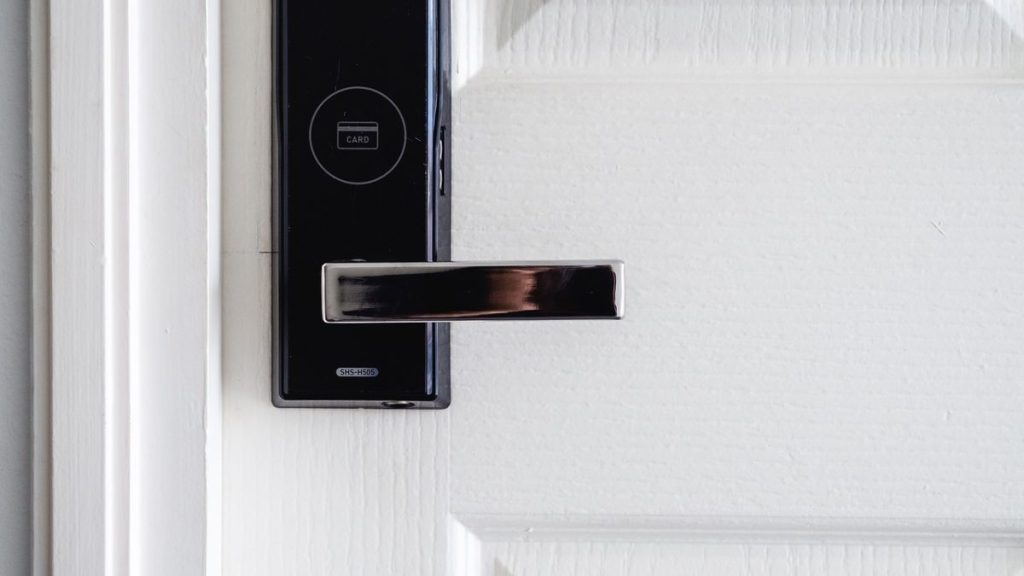

The days of fumbling for your keys in the dark or worrying about losing them are quickly becoming a thing of the past. Thanks to smart locks, keyless entry is now a reality—combining convenience, control, and enhanced security for modern homes. Whether you’re upgrading your front door or building a smart home from scratch, smart locks are a feature worth considering.
In this article, we’ll explore how smart locks work, the types available, their benefits and drawbacks, and what to consider before making the switch.
🔐 What Are Smart Locks?
Smart locks are electronic door locks that allow you to lock and unlock your door without using a traditional key. They typically connect to your smartphone, home Wi-Fi, or smart home hub via Bluetooth, Wi-Fi, or Z-Wave/Zigbee. Some even offer integration with voice assistants like Amazon Alexa, Google Assistant, or Apple HomeKit.
You can control smart locks through:
- A mobile app
- Voice commands
- Keypad PIN codes
- Biometric data (e.g., fingerprint)
- Remote access via cloud services
🔄 How Do Smart Locks Work?
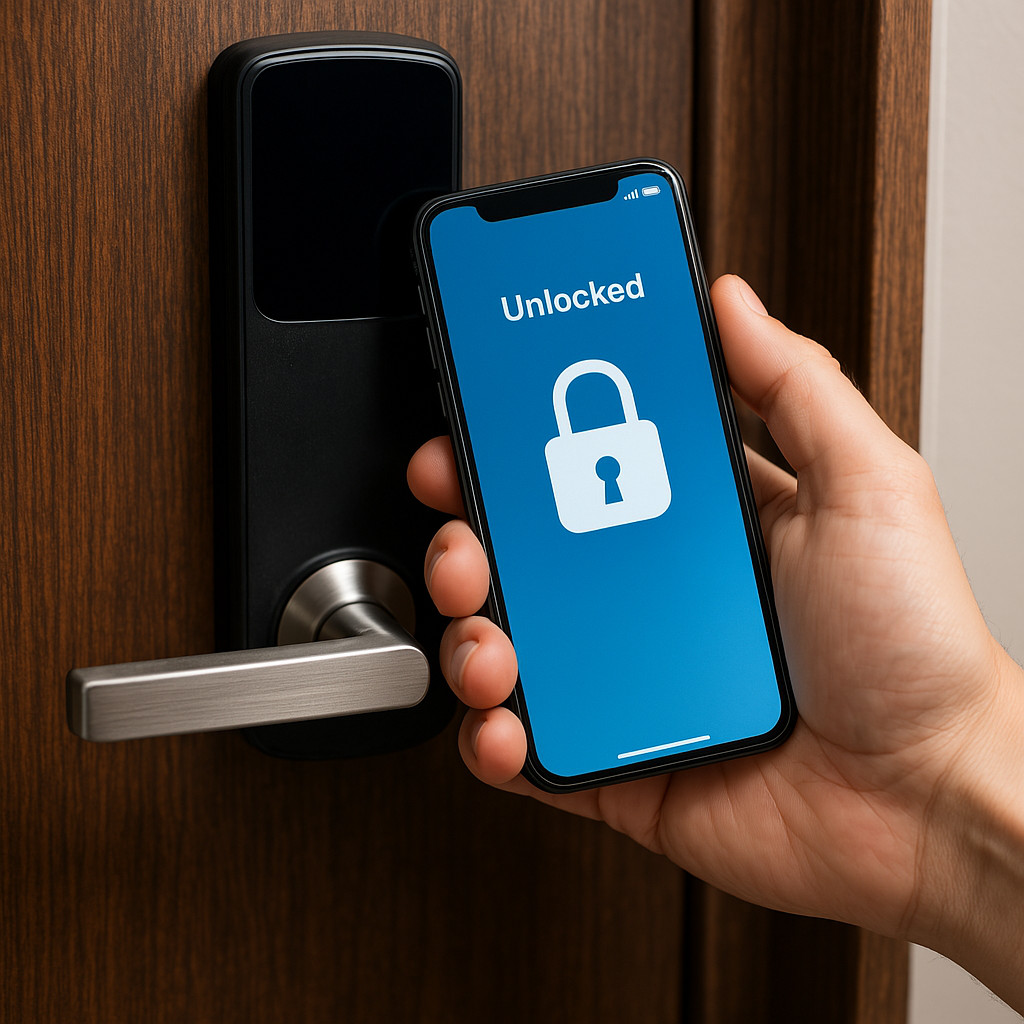
Smart locks replace or work alongside your existing door lock hardware. Depending on the model, they can be installed over your existing deadbolt or as a full replacement.
Here’s a simplified breakdown:
- Authentication: The lock verifies your identity using credentials (phone, PIN, fingerprint, etc.).
- Authorization: If verified, it allows access by releasing the bolt.
- Monitoring: Many smart locks track and log entry/exit activity for added awareness.
- Remote Access: With Wi-Fi or a smart hub, you can lock/unlock your door from anywhere.
🏡 Key Benefits of Smart Locks
✅ Keyless Convenience
No need to carry keys or worry about losing them. Just tap your phone or enter a code.
✅ Remote Control
Forgot to lock the door? You can do it remotely from your phone—no matter where you are.
✅ Access Sharing
Create temporary access codes or digital keys for family, guests, or service providers.
✅ Enhanced Security Features
Many smart locks offer tamper alerts, auto-lock timers, and activity logs for peace of mind.
✅ Smart Home Integration
Sync your smart lock with other devices—for example, unlocking the door could trigger lights to turn on.
⚠️ Potential Drawbacks to Consider
❌ Battery Dependency
Smart locks need batteries, and if they die, you could get locked out. Always check battery life.
❌ Connectivity Issues
Poor Wi-Fi or Bluetooth connection can delay responses or hinder remote access.
❌ Cost
Smart locks are more expensive than traditional locks, with quality models starting around $100–$300.
❌ Hacking Risk
As with any smart device, there’s a small risk of cyber attacks. Choosing reputable brands and setting strong passwords helps reduce this.
🔍 Choosing the Right Smart Lock
When shopping for a smart lock, keep these factors in mind:
- Compatibility with your door type
- Power source (batteries vs. wired)
- Connectivity (Bluetooth, Wi-Fi, Zigbee, etc.)
- Installation method (retrofit vs. full replacement)
- Backup options (manual key, fingerprint, code)
- Integration with your existing smart home setup
Popular Brands:
- August Smart Lock
- Yale Assure Lock
- Schlage Encode
- Level Lock
- Eufy Smart Lock
🔧 Real-World Use Cases
- Airbnb Hosts: Assign time-limited codes to guests—no need for key handoffs.
- Busy Families: Kids can enter with their own code; parents receive alerts.
- Frequent Travelers: Remotely let in cleaners, pet sitters, or package delivery drivers.
💡 Smart Tip
Pair your smart lock with a video doorbell or security camera for a comprehensive home security setup. That way, you can see who’s at the door before granting access.
Final Thoughts
Smart locks offer a powerful blend of convenience and control, making them a must-have in today’s connected home. While there are a few trade-offs to consider, the benefits—especially in terms of keyless entry, remote access, and integrated security—far outweigh the downsides for most users.
Whether you’re trying to simplify your daily routine or secure your home more effectively, smart locks are a smart move.
Featured image by Pixabay
- Digital Twins Explained: The Technology That Creates a Living Copy of Everything
 Digital twins explained in one sentence: a digital twin is a living, continuously updated virtual replica of a real physical object, system, or process — connected to its real-world counterpart through sensors and data, updating in real time as the physical version changes. That definition is accurate, but it doesn’t quite capture why this technology…
 - IoT Sensors Explained: What They Are, How They Work, and Where They’re Already in Your HomeIoT sensors explained simply: every smart device you own — your thermostat, your fitness tracker, your doorbell camera, your robot vacuum — relies on at least one sensor to do its job. Sensors are the reason smart devices are smart. Without them, a connected device is just a device. Yet most explanations of IoT sensors…
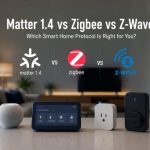
- Matter 1.4 vs Zigbee vs Z-Wave: Best Smart Home Protocol for US Homes in 2026By KontraNet IoT Hub | Last Updated: June 3, 2026 | Reading time: 11 min Quick Pick for US Homeowners in 2026 Use this table if you just need the answer fast: Your Situation Best Protocol in 2026 Why It Wins for US Homes Apple + Google + Alexa household Matter 1.4 over Thread All 3 ecosystems control the…
- Best Cellular IoT Data Plans for US Makers in 2026: Hologram vs Twilio vs Soracom TestedBy KontraNet IoT Hub | Last Updated: June 1, 2026 | Reading time: 9 min Quick Pick for US Makers in 2026 Use this table if you just need the answer fast: Your Project Type Best IoT SIM in 2026 Why It Wins for US Makers 1-10 devices, prototyping Hologram IoT SIM Free 1MB/month per device forever. Pay-as-you-go after.…
- Smart Home Energy Saving: How to Cut Your Electricity Bill in 2026Smart home energy saving is one of the most effective ways to cut your electricity costs in 2026 — and the results are measurable. The average American household spends between $1,500 and $2,000 on electricity every year. Most of that money goes to heating, cooling, and appliances running longer than they need to — and…



Partner sites: Linuxlap.com and gee-tech.com